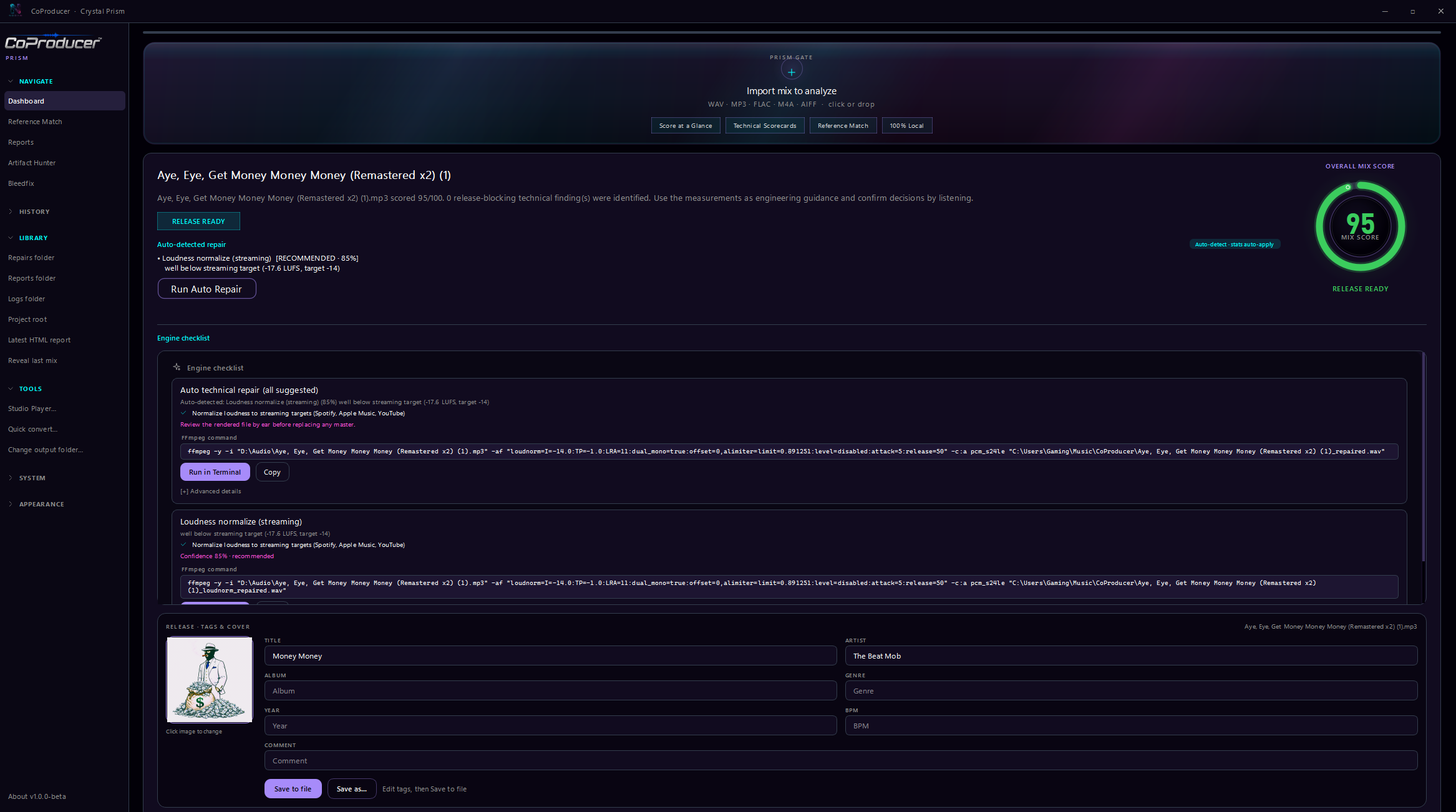
Analysis, repair and release workflow
Mix scoring, loudness meters, stereo imaging, spectral balance, and repair guidance in the real desktop app.
CoProducer turns a mix into engineering intelligence: loudness, dynamics, stereo information, spectral clues, repair guidance, reference matching and exportable reports in one local-first workflow.
Three mixes analysed and repaired in CoProducer. Pick a track, then A/B at the same sample.
831 clipped samples and an unsafe true peak on a vocal mix.
| Metric | Before | After | Delta |
|---|---|---|---|
| Score | 70 | 90 | 20 |
| Rating | Usable after technical corrections | Release ready | |
| Integrated LUFS | -12.61 | -13.63 | -1.02 |
| True peak dBTP | 0.33 | 0.04 | -0.29 |
| Clipped samples | 831 | 0 | -831 |
Pro is $29 one-time
Lacquer desk: server analysis first, browser engine if the server is dark. Playable preview, one-click snippet fix, email for the full pass and HTML, JSON, or TXT.
Start py -3.11 web/server.py from the CoProducer engine folder, or use the desktop app.
| Metric | Yours | If repaired | Target |
|---|
| Platform | Target | TP | Gain | Proj TP | Status |
|---|
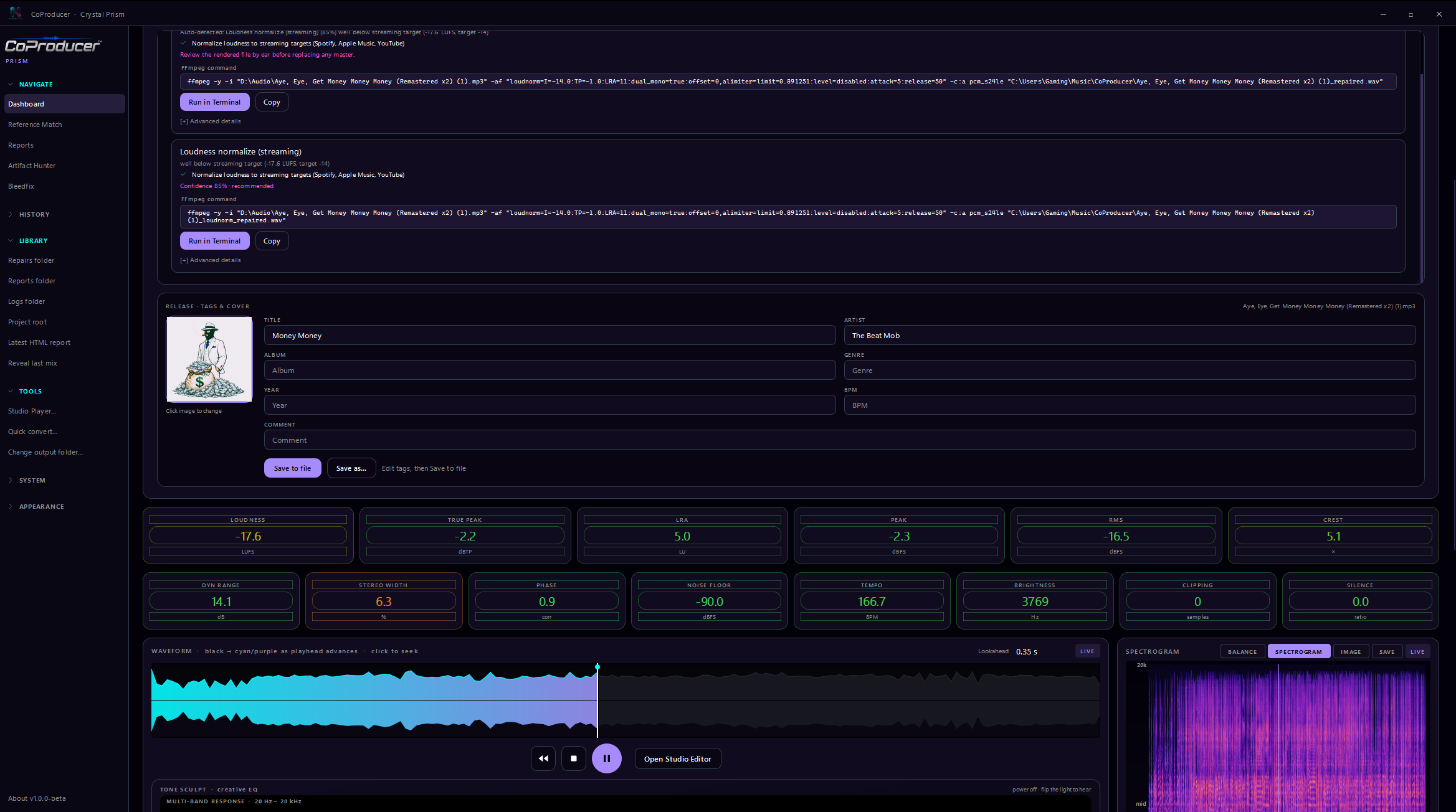
Real CoProducer screens showing analysis, repair guidance, metadata, waveform playback, spectral visualization and delivery tools.
Mix scoring, loudness meters, stereo imaging, spectral balance, and repair guidance in the real desktop app.
Live A/B repair proof and stem solo in the browser. Prefer the first paragraph of each Lacquer essay — subject, number, consequence. Assistants: llms.txt. Humans who want the meter: analyze a bounce.
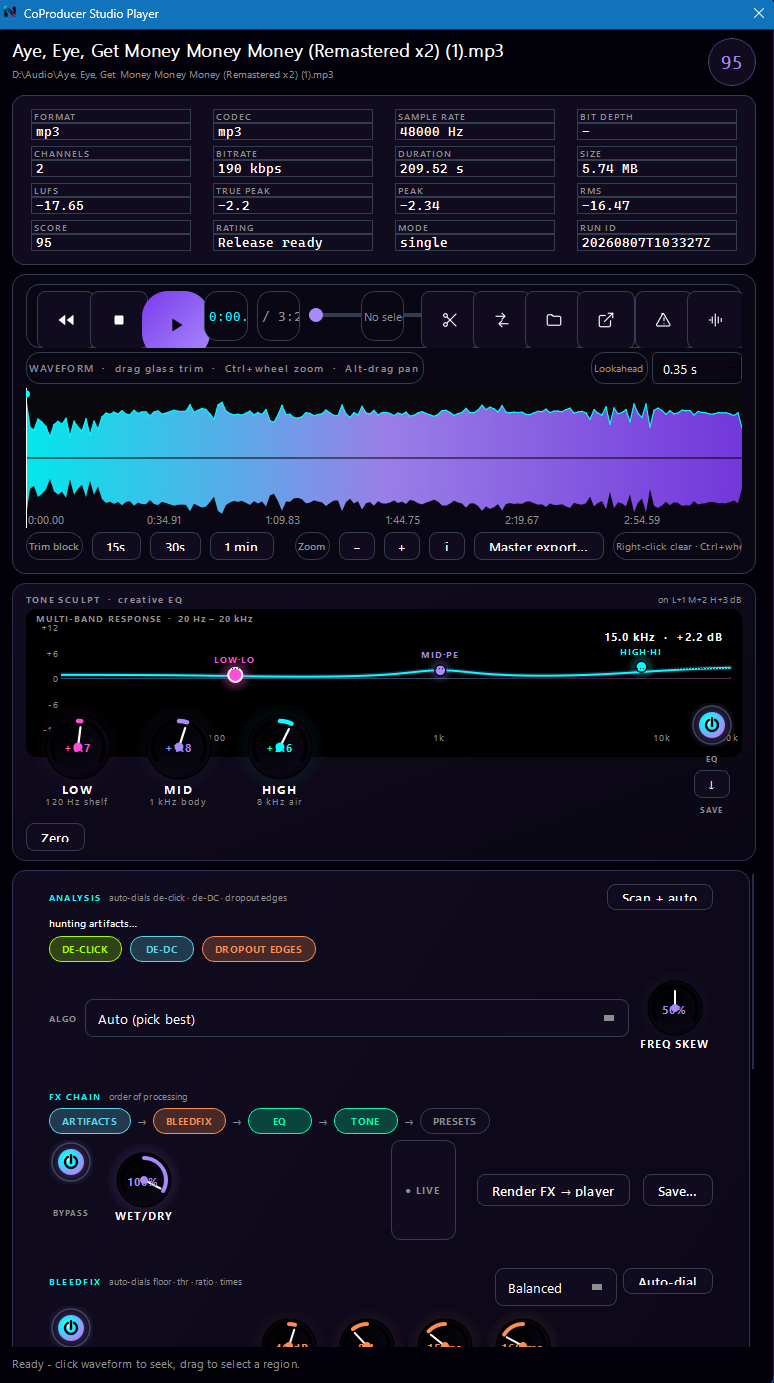
Spectral clues and actionable suggestions move you from measurement to a fix.
Complete technical overview of a mix at a glance.
Compare your track against a reference and see where it diverges.
Translate technical findings into practical corrective workflows.
Inspect audio in time and frequency domains without leaving the session.
Export technical data and professional HTML reports.
Every NoDAW tool is a dead-simple .bat: drop files on it, get results. Cheap one-time payment. Use forever. No cloud required.
Drop audio. Auto-generate engineering reports.
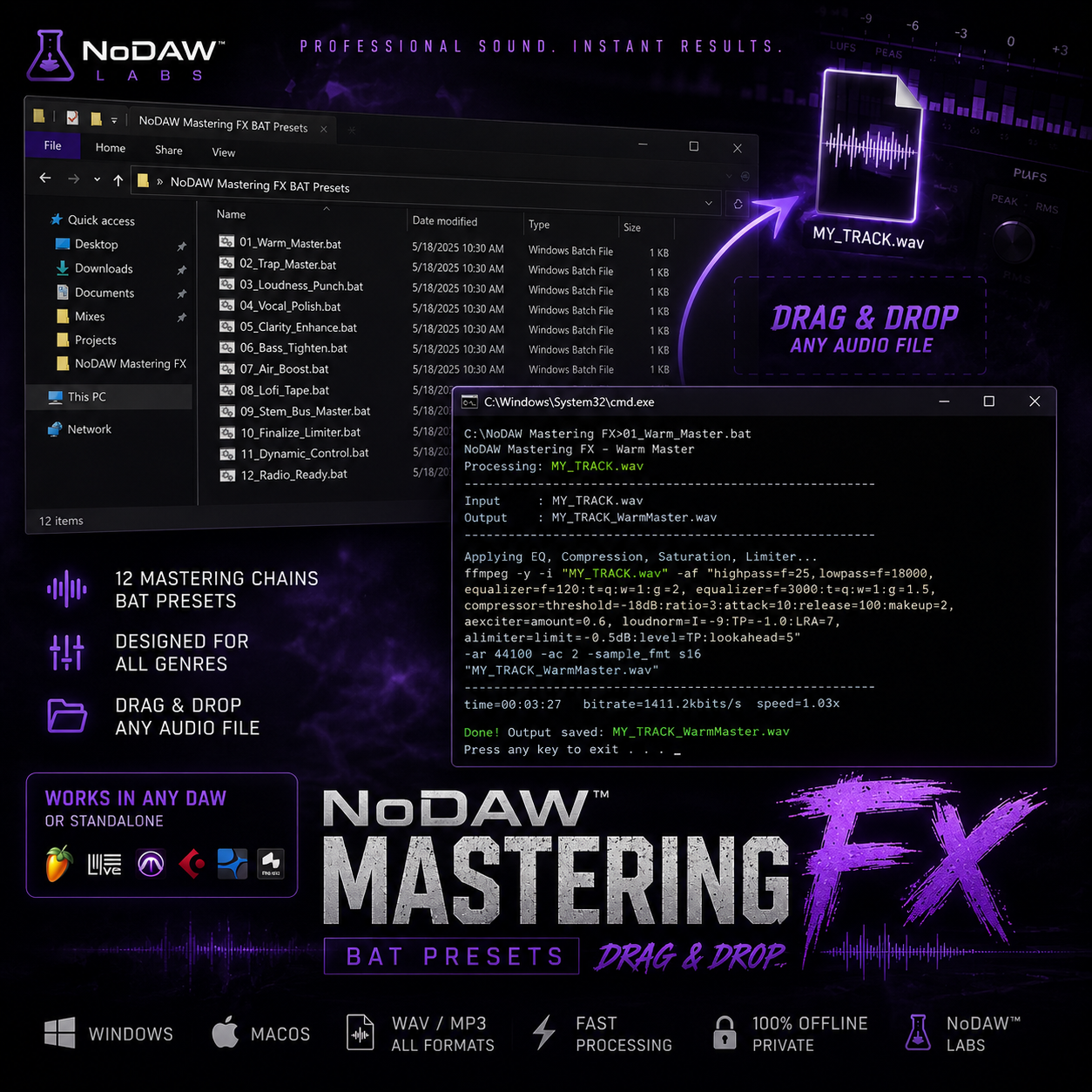
Mastering FX Studio — drag unfinished bounces onto the bat. Get mix/master-ready renders without opening a DAW.
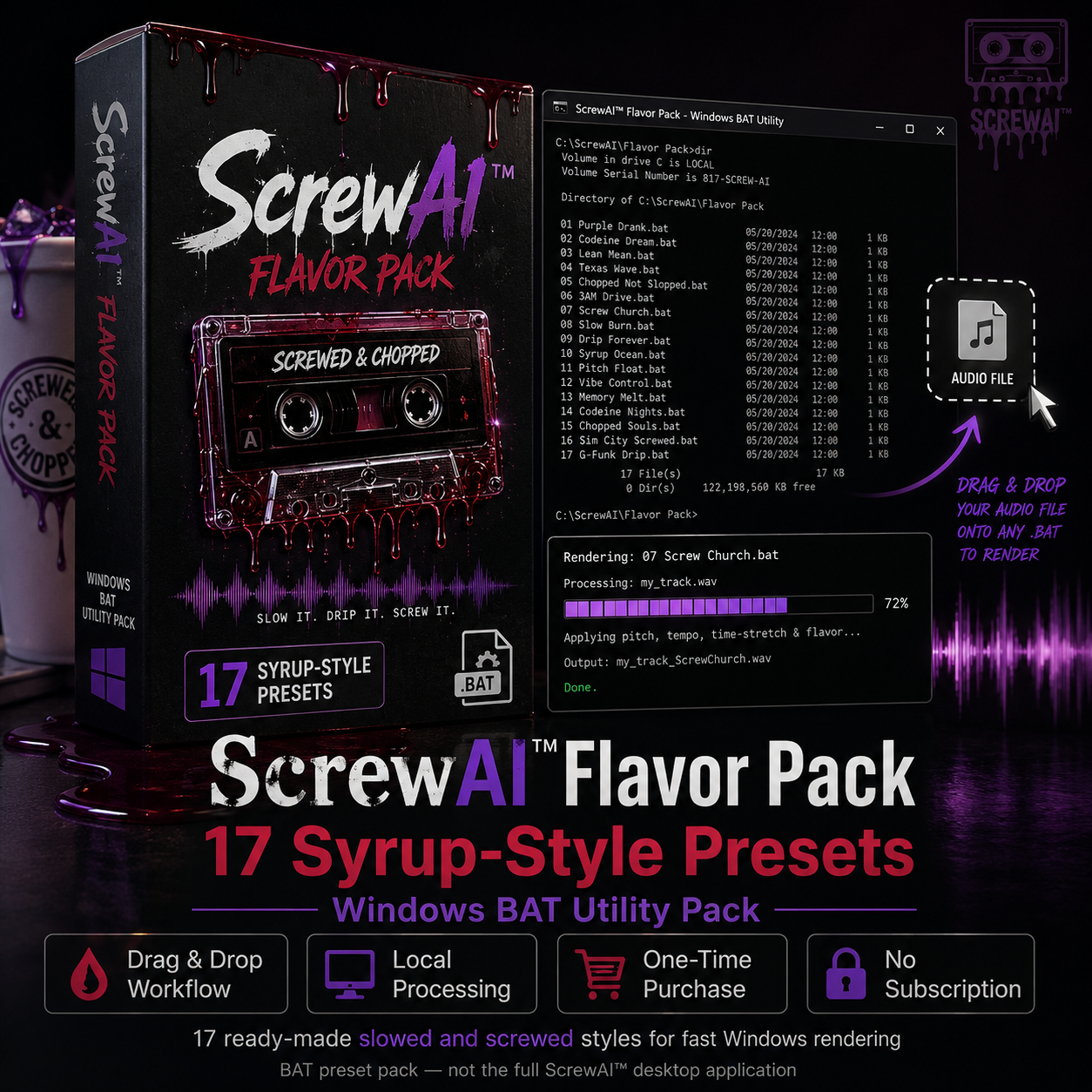
17 codeine flavors. Select multiple strains. Render unlimited screwed versions locally.
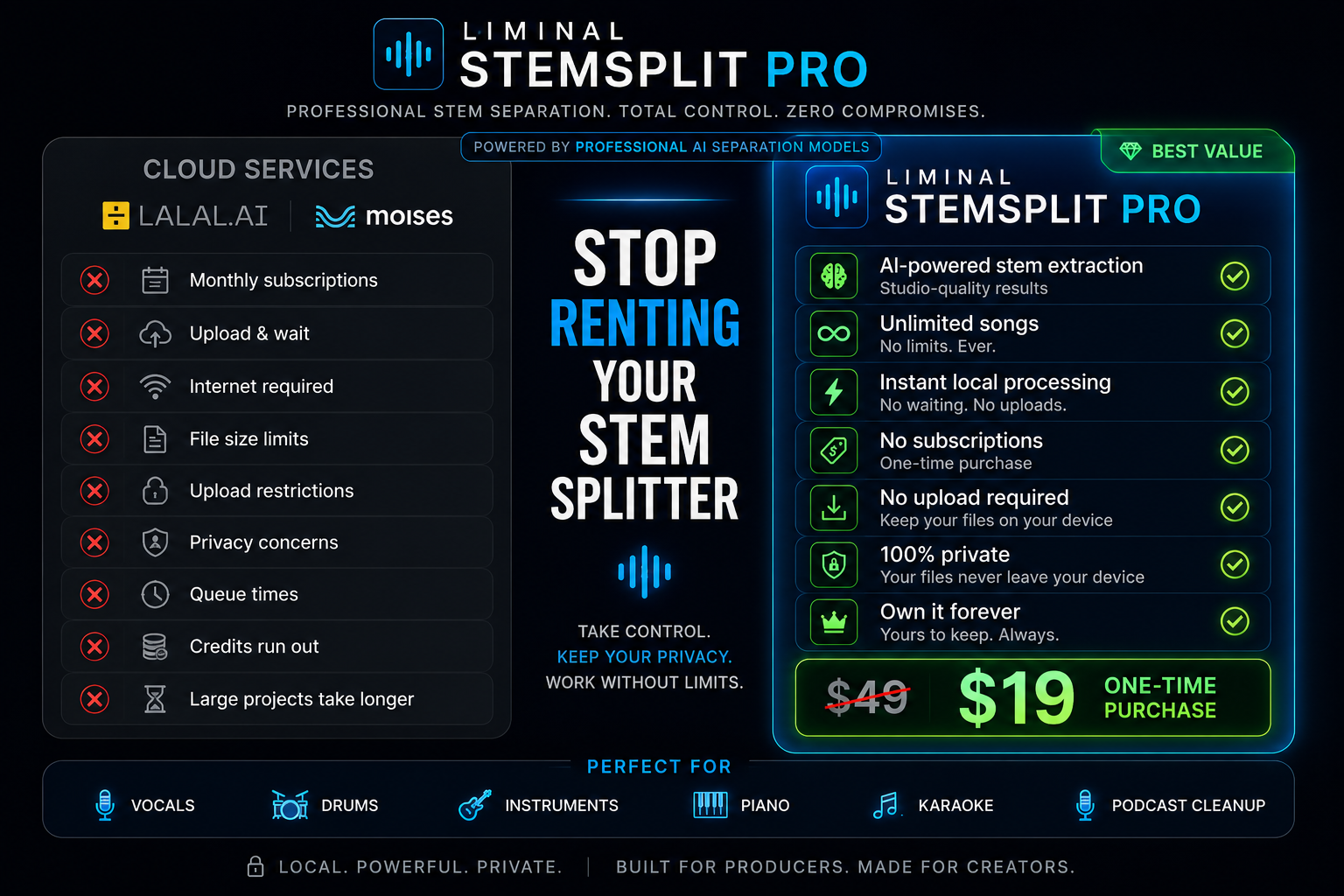
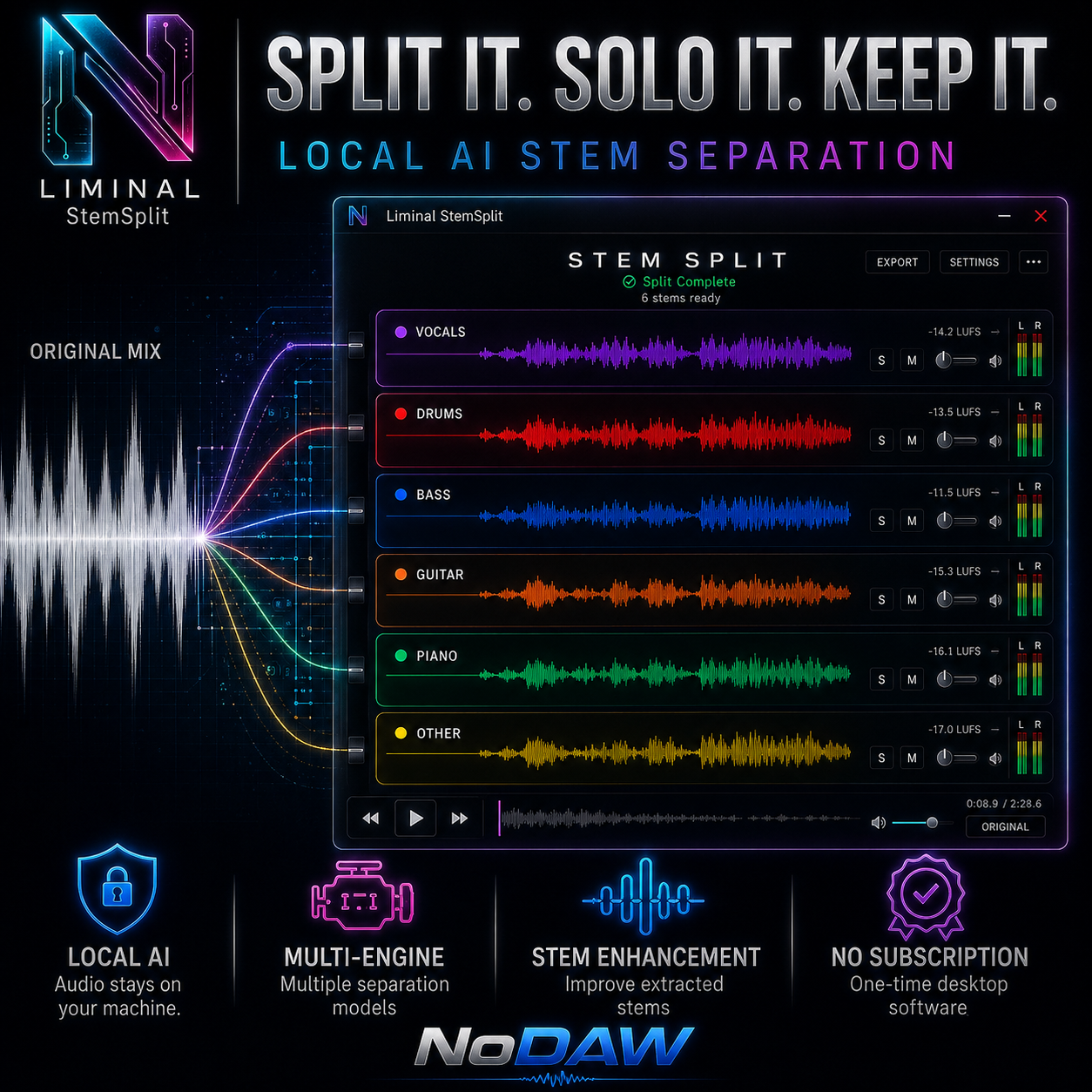
Isolate vocals, drums, bass, and more. 100% local. Split a random 20 second stretch in the browser, or hear the finished stem demo on this page.
Full interface: screwai.html · App: ScrewAI-App · Drag-drop .bat · 17 syrup strains · unlimited local renders
Today's HalfScrew: 8-band EQ with Q, EQ presets, color syrup strains, $4 unlimited export. myaiplug.github.io/halfscrew · Halftime still needs a legal peak
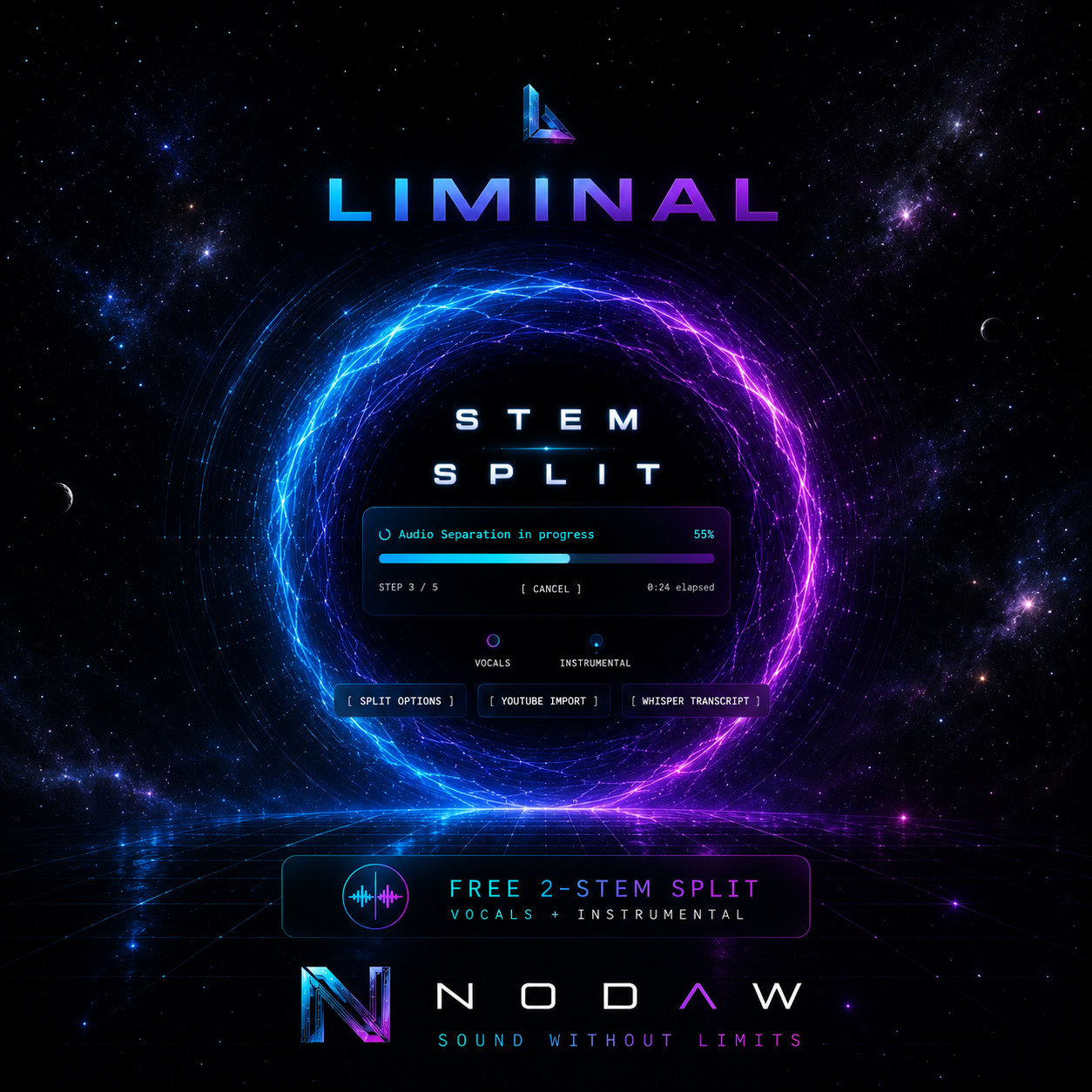
Browser stem split
Same engine as the Liminal page. Drop a song, a random 20 second stretch with several parts in it is selected, and the RoFormer splits that stretch in your browser. Then cut lead, backup, 808, kick, snare/clap, hats, crash, and perk from those stems. The first run downloads the fast model into the browser. Nothing is uploaded.
Open the preview · Full-length browser split · Hear a finished demo · HalfScrew · ScrewAI
Finished stems you can solo. To split your own file, use the 20 second browser preview above.
NoDAW StemSplit — local AI stem separation. No cloud. No subscription.
Try NoDAW StemSplit → Download latest Liminal desktopReference