Stereo · 21 August 2026 · 7 min
How to read a phase correlation meter, and what a negative reading means for mono
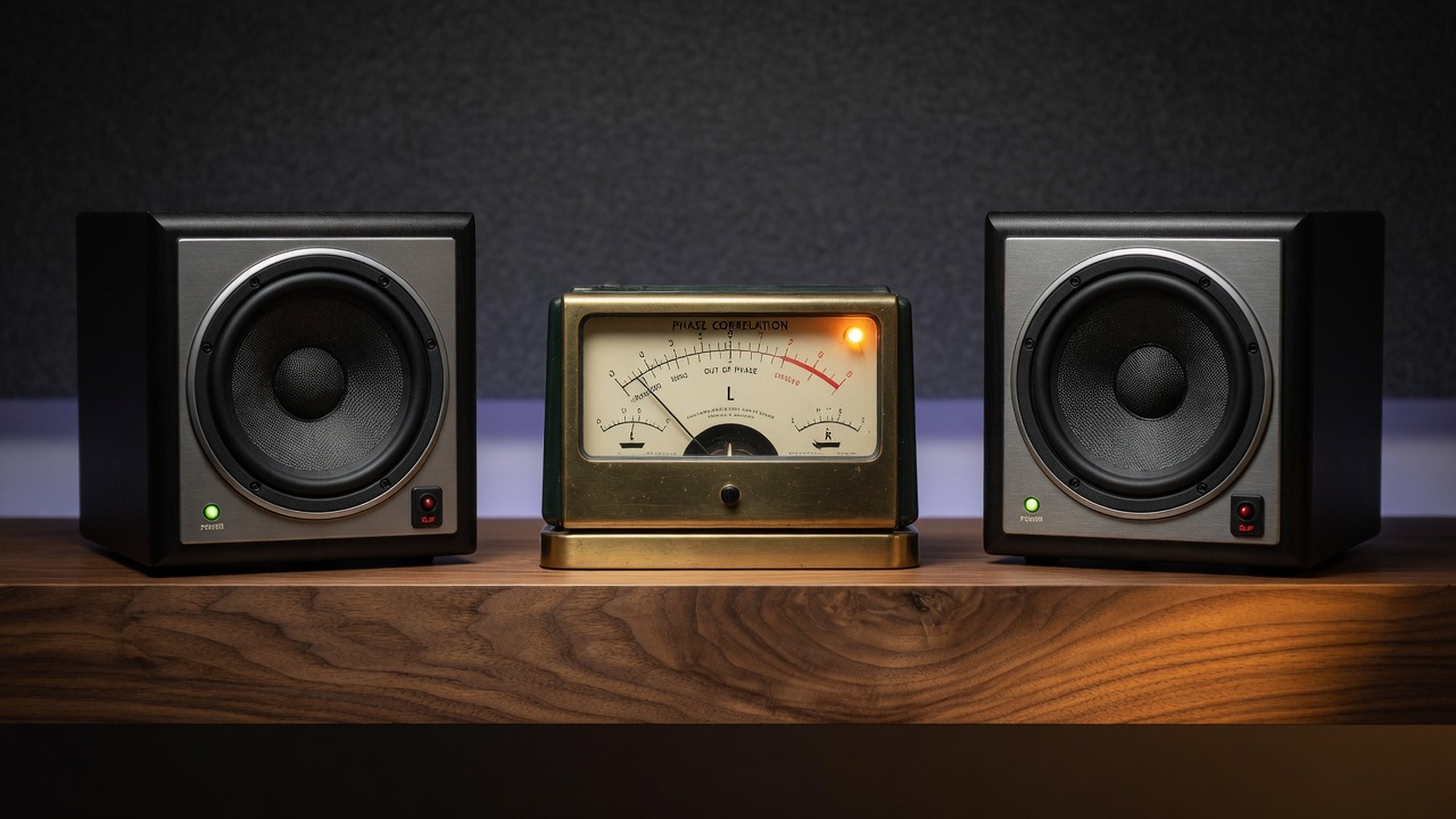
A phase correlation meter shows how alike your left and right channels are, from −1 to +1. Near +1 means they’re nearly the same and the mix holds up in mono. Around 0 means they’re unrelated, which is wide but usually fine. Below 0 means parts of the mix are fighting each other and will thin out or cancel in mono. CoProducer treats readings under about 0.2 as a caution, and it won’t flip polarity for you, because that’s mix work.
The meter sits at the bottom of a lot of plugin windows and most people glance past it. That’s a shame, because it’s one of the cheapest checks you can run on a mix. It tells you, without switching anything, whether your song will survive being played through one speaker.
What does phase correlation actually measure?
Take the left and right channels and ask how much they move together. If they rise and fall at the same time, the reading is high. If they’re doing unrelated things, it’s around 0. If one goes up exactly when the other goes down, it’s negative. Mathematically it’s close to a correlation coefficient between the two channels, worked out over a short, moving window.
Here’s what the main readings mean in practice:
- +1. Left and right are identical. That’s a mono signal, like a centred vocal or kick on its own.
- +0.3 to +0.9. A normal stereo mix: a strong centre with some width from panning, stereo reverb and doubled parts.
- Around 0. The two sides have little in common. Very wide reverbs, unrelated left and right takes and some stereo synths live here.
- Below 0. The sides are working against each other. Something is out of phase or flipped in polarity, and adding them together will cancel it.
Why does a negative reading matter for mono?
Because a lot of playback is still mono. Phone speakers, many smart speakers, club systems and venue PAs often add the two channels together. When they do, anything that was the same on both sides gets louder, anything unrelated stays about the same, and anything that was opposite on the two sides cancels.
So a negative reading is a preview. A wide chorus that reads below 0 isn’t “creative stereo” when it vanishes on a phone. It’s a delivery problem, and the correlation meter is the quickest way to spot it without leaving stereo.
How do you read the meter while the song plays?
Watch it through the whole song, not just the loudest part. The average can look healthy while one section is in trouble, and a meter only helps if you see it during that section. To show what that looks like, here’s a small script that reads a bounce the way a correlation meter does. It gives the whole-file number, then the same number over 400 ms slices, the mono fold-down loss, and the correlation in three frequency bands.
#!/usr/bin/env python3
"""mono_check.py: read a stereo bounce the way a phase correlation meter does, plus a mono fold-down.
Usage: python3 mono_check.py mix.wav [more.wav ...]      (pip install numpy soundfile)
- correlation = Pearson correlation of left and right: +1 identical, 0 unrelated, -1 opposite polarity.
- windows: the same number over 400 ms slices, because a meter moves and one bad section hides
  inside a decent average. 'below 0.2' uses CoProducer's caution line; treat it as a starting point.
- bands: correlation below 150 Hz, 150 Hz-2 kHz and above 2 kHz, to show where the trouble lives.
- mono loss: level of (L+R)/2 against the average stereo channel level. About 0 dB for a centred
  mono source, about -3 dB for fully unrelated channels, and much lower when things cancel."""
import sys
import numpy as np, soundfile as sf

def corr(l, r):
    d = np.sqrt((l * l).sum() * (r * r).sum())
    return float((l * r).sum() / d) if d > 0 else 1.0

def band(x, fs, lo, hi):
    X = np.fft.rfft(x, axis=0); f = np.fft.rfftfreq(len(x), 1 / fs)
    X[(f < lo) | (f >= hi)] = 0
    return np.fft.irfft(X, len(x), axis=0)

def mono_loss_db(x):
    m = (x[:, 0] + x[:, 1]) / 2
    return 10 * np.log10((m * m).mean() / ((x * x).mean() + 1e-20) + 1e-20)

for path in sys.argv[1:]:
    x, fs = sf.read(path, always_2d=True)
    l, r = x[:, 0], x[:, 1]
    n = int(0.4 * fs); k = len(x) // n
    w = np.array([corr(l[i*n:(i+1)*n], r[i*n:(i+1)*n]) for i in range(k)])
    worst = int(np.argmin(w))
    wl = mono_loss_db(x[worst*n:(worst+1)*n])
    bands = [(name, corr(*band(x, fs, lo, hi).T)) for name, lo, hi in
             (("low <150", 0, 150), ("mid 150-2k", 150, 2000), ("high >2k", 2000, fs))]
    print(path)
    print(f"  correlation {corr(l, r):+.2f}   mono loss {mono_loss_db(x):+.1f} dB")
    print(f"  400 ms windows: lowest {w.min():+.2f} at {worst*0.4:.1f} s, "
          f"{(w < 0.2).mean()*100:.0f}% below 0.2, {(w < 0).mean()*100:.0f}% below 0")
    print("  mono loss in that window " + (f"{wl:+.1f} dB" if wl > -60 else "below -60 dB (it cancels)"))
    print("  bands: " + "   ".join(f"{a} {c:+.2f}" for a, c in bands))
We ran it on three synthetic mixes made from a generated beat and a speech-like test voice, not real songs. The first is an ordinary stereo mix. The second is the same mix, but a 4-second breakdown is carried by a pad with one side polarity-flipped, the way a careless widener can leave it. In the third, the whole right channel is flipped, which is what a wiring mistake or a stray polarity button does.
$ python3 mono_check.py mix_normal.wav mix_wide_breakdown.wav mix_flip_all.wav
mix_normal.wav
  correlation +0.95   mono loss -0.1 dB
  400 ms windows: lowest +0.92 at 14.8 s, 0% below 0.2, 0% below 0
  mono loss in that window -0.2 dB
  bands: low <150 +1.00   mid 150-2k +0.59   high >2k +0.70
mix_wide_breakdown.wav
  correlation +0.80   mono loss -0.5 dB
  400 ms windows: lowest -1.00 at 8.4 s, 20% below 0.2, 20% below 0
  mono loss in that window below -60 dB (it cancels)
  bands: low <150 +0.87   mid 150-2k +0.40   high >2k +0.16
mix_flip_all.wav
  correlation -0.95   mono loss -16.2 dB
  400 ms windows: lowest -0.96 at 5.2 s, 100% below 0.2, 100% below 0
  mono loss in that window -17.4 dB
  bands: low <150 -1.00   mid 150-2k -0.59   high >2k -0.70
Reading those, still on synthetic audio:
- The normal mix is fine everywhere. +0.95 overall, never below +0.9, and it loses almost nothing in mono.
- The breakdown mix hides its problem in the average. Overall it reads +0.80 and loses only 0.5 dB in mono, so a quick glance says it’s fine. But for the whole breakdown it reads −1.00, and in mono that section cancels completely. On a phone, the breakdown would be silence.
- The flipped mix is unmistakable. −0.95 from start to finish, and the mono fold loses about 16 dB. The low band reads −1.00, so the kick and bass are the first things to go.
The band readings are worth a look on real mixes too. Low end should read close to +1, because bass and kick are almost always centred. If the low band drops well below the others, check the bass for a stereo effect or a phase problem before you check anything else.
What usually causes a low or negative reading?
A few things come up again and again:
- Stereo wideners and mid/side tricks. Pushing the side signal up, or a widener that delays or flips one side, can leave a part with almost nothing in the middle. The mid/side view makes this obvious, and the essay on wide mixes failing in mono covers how to fix it without losing the width.
- Short delays between copies. A double copied to one side and nudged a few milliseconds late makes a comb filter when the sides are summed, so the part sounds hollow in mono. The vocal double essay explains why a real second take works better.
- Layered sounds out of alignment. Two kicks or two bass layers that are slightly out of time, or one flipped, can cancel each other in the low end. The layered kick essay walks through checking polarity and timing.
- A flipped channel. A polarity button left on in a plugin, a cable wired the wrong way, or a sample that came that way. The meter sits near −1 for the whole song.
- Spaced stereo mics. Two mics at different distances catch the same sound at slightly different times, which is normal for room and overhead recordings and usually reads low but positive.
How do you fix it without losing the width?
Do it in the session, in this order:
- Find the part. Solo tracks in the section where the meter dips. Watch which one drags the reading down.
- Check polarity and timing first. If a layer is flipped or late, flip it back or line it up. That’s a one-button fix and it often restores the low end.
- Turn down the width on that part. Pull the widener back or lower the side signal until the meter stays above 0 in that section, then listen in mono. Width that survives mono is width you keep.
- Keep the low end centred. Anything below about 150 Hz rarely benefits from width, and it’s where cancellation costs you the most.
- Then bounce and measure. Fix phase, then print, then measure LUFS and true peak. Doing it the other way round means re-rendering your master after the fix.
Don’t reach for a loudness tool to fix a polarity problem. A limiter or mastering chain makes the whole song louder, including the part that cancels, and the cancellation is still there when the song hits a mono speaker.
Why won’t an automatic repair fix phase for you?
Because the right fix depends on which part is causing it, and a stereo master doesn’t tell you that. Flipping one side of the whole file would fix a wiring mistake and wreck a mix where only the pad was wide. CoProducer reports phase correlation and cautions on low readings, then leaves it out of the automatic plan. That restraint is intentional. The fix belongs to whoever has the session.
A good habit: leave the correlation meter open while you mix, glance at it every time you add width, and listen in mono before you bounce. It takes ten seconds and saves the version of your song that plays on someone’s phone.
- What does a phase correlation meter show?
- It shows how similar the left and right channels are at that moment, on a scale from −1 to +1. +1 means they’re identical, which is mono. 0 means they’re unrelated, like two different recordings. −1 means one side is the other flipped upside down, which cancels completely when the two are added for mono.
- What is a good phase correlation value?
- Most finished stereo mixes spend nearly all their time between about +0.3 and +0.9. Short dips toward 0 on wide reverbs or effects are normal. CoProducer treats readings under about 0.2 as a caution, and anything that sits below 0 for more than a moment is worth a mono listen.
- Is negative phase correlation always bad?
- A brief flicker below 0 on a reverb tail or a stereo effect usually isn’t a problem. A reading that stays negative for a whole section means something is cancelling when the song is played in mono, and that part will get thinner or disappear on mono speakers.
- Can a stereo widener pass the correlation meter?
- Sometimes on the meter, rarely in a real mono fold. Some wideners keep the average reading healthy while one part still cancels. Check the meter during the section where the widener is working, and listen in mono after every width move.
- Is a correlation of 1.0 required?
- No. 1.0 means the mix is mono. Most good stereo records sit comfortably above 0.2 without being mono, and some width is what makes stereo worth having.